

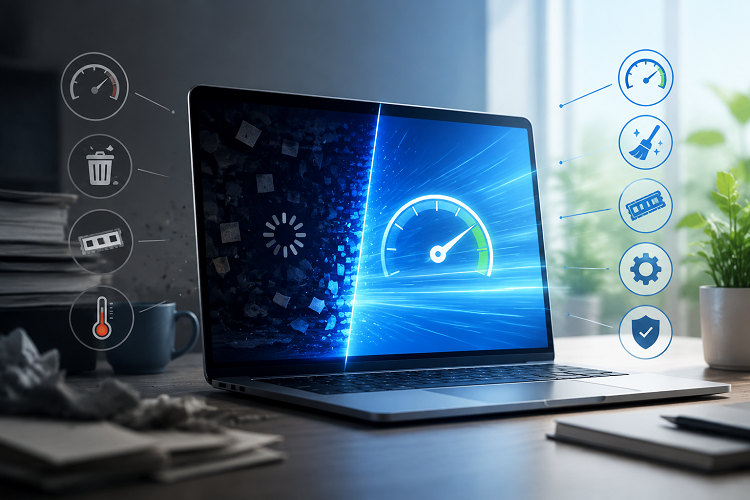
Maintaining a computer involves more than keeping files organized. Hardware components, drivers, and system configuration all contribute to how well a PC performs during gaming, work, and everyday tasks. When performance does not meet expectations, users may need to check whether their drivers are current, whether their hardware is balanced, or whether their system is capable of handling a particular workload. Tools and resources related to update drivers, a bottleneck calculator, and rate my PC can help users evaluate these areas.
Why You Should Update Drivers
Drivers allow hardware components to communicate with the operating system. Graphics cards, network adapters, audio devices, chipsets, and other hardware rely on appropriate drivers to function correctly.
When drivers become outdated, users may encounter compatibility problems, bugs, crashes, or unexpected behavior. Graphics drivers are particularly important for gaming because updates may include fixes and optimizations for newer games.
To update drivers, users should first identify the exact hardware installed in their computer. Official manufacturer websites and update utilities are generally the safest sources for obtaining compatible driver packages.
Before installing a major driver update, users can create a restore point and close unnecessary applications. It is also important to install drivers that match the specific hardware model and operating system.
Keeping drivers updated does not guarantee a performance increase in every situation, but it can help maintain system compatibility and stability.
Understanding a Bottleneck Calculator
A computer works as a combination of components rather than as a collection of separate specifications. If one component cannot keep up with another, it may limit overall performance in certain workloads. This is commonly referred to as a bottleneck.
A bottleneck calculator can provide an estimate of how well different components may work together. Users typically enter details such as their CPU, GPU, RAM, resolution, and sometimes the type of workload they plan to run.
For example, someone considering a powerful graphics card for an older processor can use a bottleneck calculator to get an initial idea of whether the CPU may limit performance.
However, calculator results should be treated as estimates. Bottlenecks can change depending on the game, application, resolution, graphics settings, drivers, and workload. A CPU that limits performance in one game may perform perfectly well in another.
For more reliable conclusions, users should combine calculator results with real-world benchmarks and application-specific performance information.
What Does “Rate My PC” Mean?
The phrase rate my PC is commonly associated with tools that evaluate a computer’s hardware configuration. These tools may consider the processor, graphics card, RAM, storage, and other specifications to provide a general assessment of the system.
A PC rating can be useful for people who are unsure whether their computer is suitable for gaming, editing, productivity, or other demanding tasks.
For example, a user planning to play modern games can enter their hardware specifications into a PC assessment tool and receive an overview of the system. This can help highlight areas that may need attention before spending money on upgrades.
A rating should not be viewed as a definitive measurement of real-world performance. Two computers with similar hardware can produce different results depending on cooling, drivers, software configuration, game optimization, and other factors.
Using the Three Tools Together
The combination of update drivers, a bottleneck calculator, and rate my PC can provide a useful starting point for evaluating a computer.
First, users can update drivers to make sure their hardware has appropriate software support. Next, a rate-my-PC assessment can provide a general overview of the current hardware configuration. If the user is considering an upgrade, a bottleneck calculator can help evaluate whether the proposed components are reasonably balanced.
This process is especially useful for gamers building or upgrading a PC. Instead of purchasing hardware based solely on specifications, users can consider how the components are expected to work together.
Making Practical Upgrade Decisions
Not every performance issue requires a new component. Sometimes updating drivers or adjusting software settings can address compatibility problems. In other cases, the hardware may genuinely be the limiting factor.
For example, if a system has a capable GPU but an older CPU, a bottleneck calculator may indicate a potential CPU limitation. If the entire system has relatively low-end hardware, a broader rate my PC assessment may help users identify which areas require attention.
Users should also consider their actual workload. A computer designed for office applications does not need the same hardware balance as a system intended for high-resolution gaming or video editing.
Final Thoughts
PC performance depends on the interaction between hardware, software, and workload. Knowing when to update drivers can help maintain compatibility and stability, while a bottleneck calculator can provide useful guidance when evaluating component combinations. A rate my PC tool can offer a broader overview of a computer’s hardware capabilities.
None of these tools should replace real-world testing, but they can make PC maintenance and upgrade planning easier. By checking drivers, understanding potential bottlenecks, and reviewing overall hardware specifications, users can better understand their systems and make practical decisions about future upgrades.
 Admin
Admin